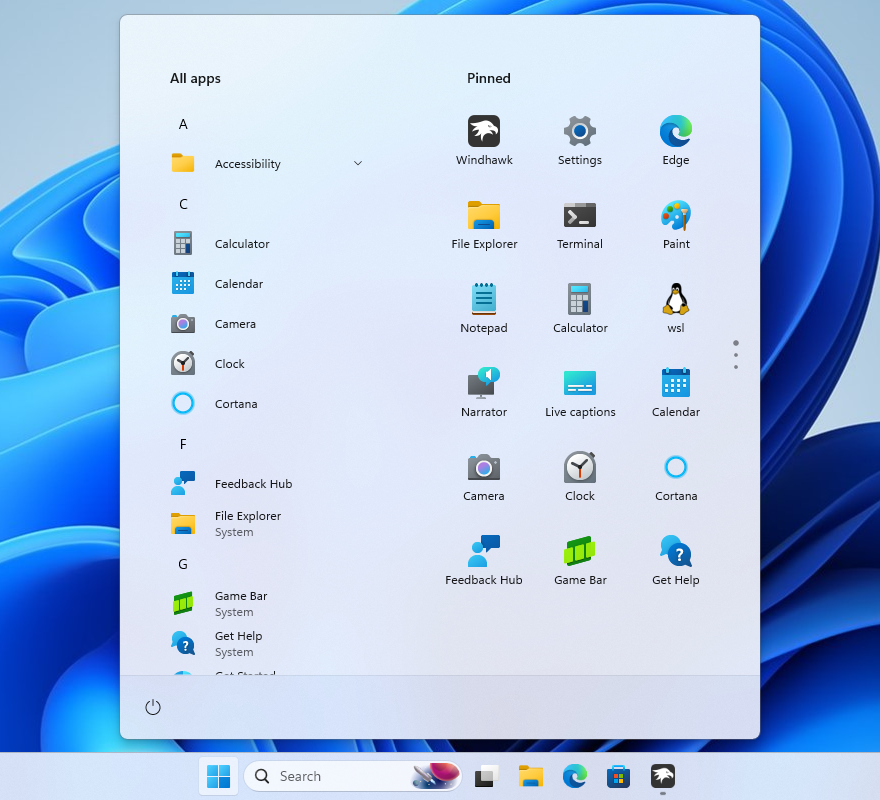
 OFFICIAL SCREENSHOT
START / 01Windows 11
↗
Windows 11
Start Menu Styler
Choose community-built themes or create your own. Change layout, spacing, surfaces and more.
Windhawk is an open-source Windows customization platform for Windows 11 and Windows 10. Download focused mods for the taskbar, File Explorer, Start menu and window animations without a heavy replacement shell.
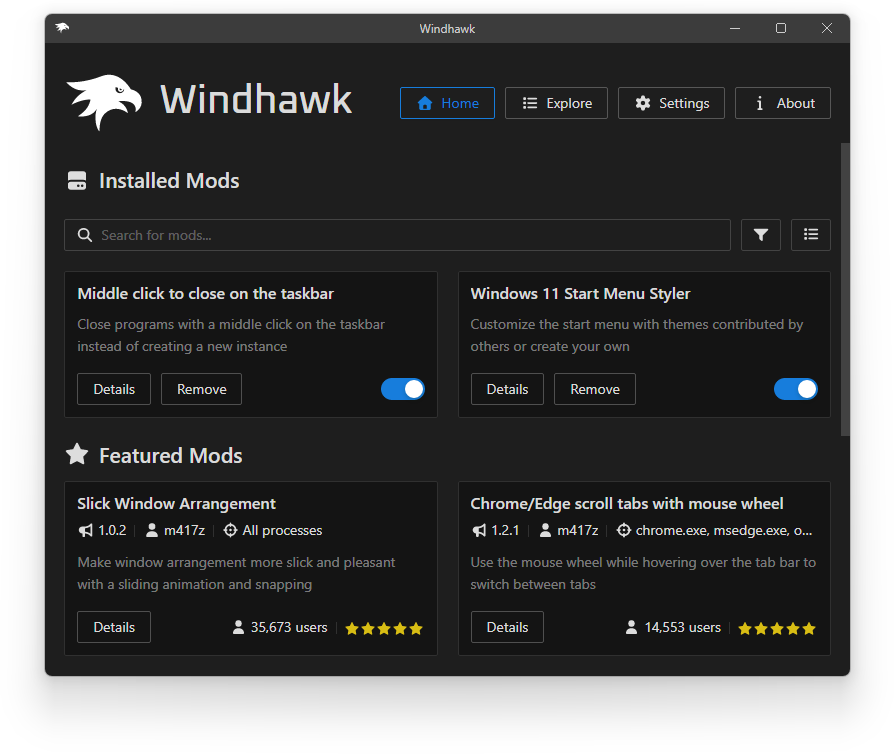
Start with nine popular Windhawk mods for Windows 11 customization, including taskbar styling, Start menu themes, File Explorer tweaks and smooth system animations.
OFFICIAL SCREENSHOT
Choose community-built themes or create your own. Change layout, spacing, surfaces and more.
 OFFICIAL SCREENSHOT
Turn the default taskbar into a dock, transparent strip, classic bar or something entirely new.
 OFFICIAL SCREENSHOT
Restyle the tab bar, command bar and navigation area with ready-made community themes.
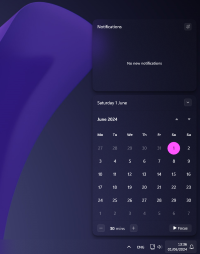
Customize Notification Center and Action Center with community-made themes.

Animate taskbar icons on mouse hover with a smooth macOS-like dock effect.
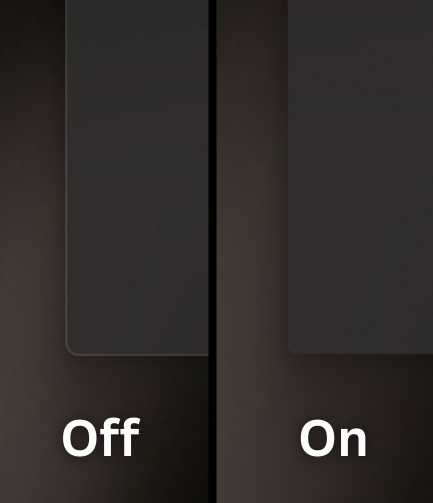
Make window borders invisible while preserving Windows 11 rounded corners.

Remove the delay before the taskbar appears and choose a custom animation.
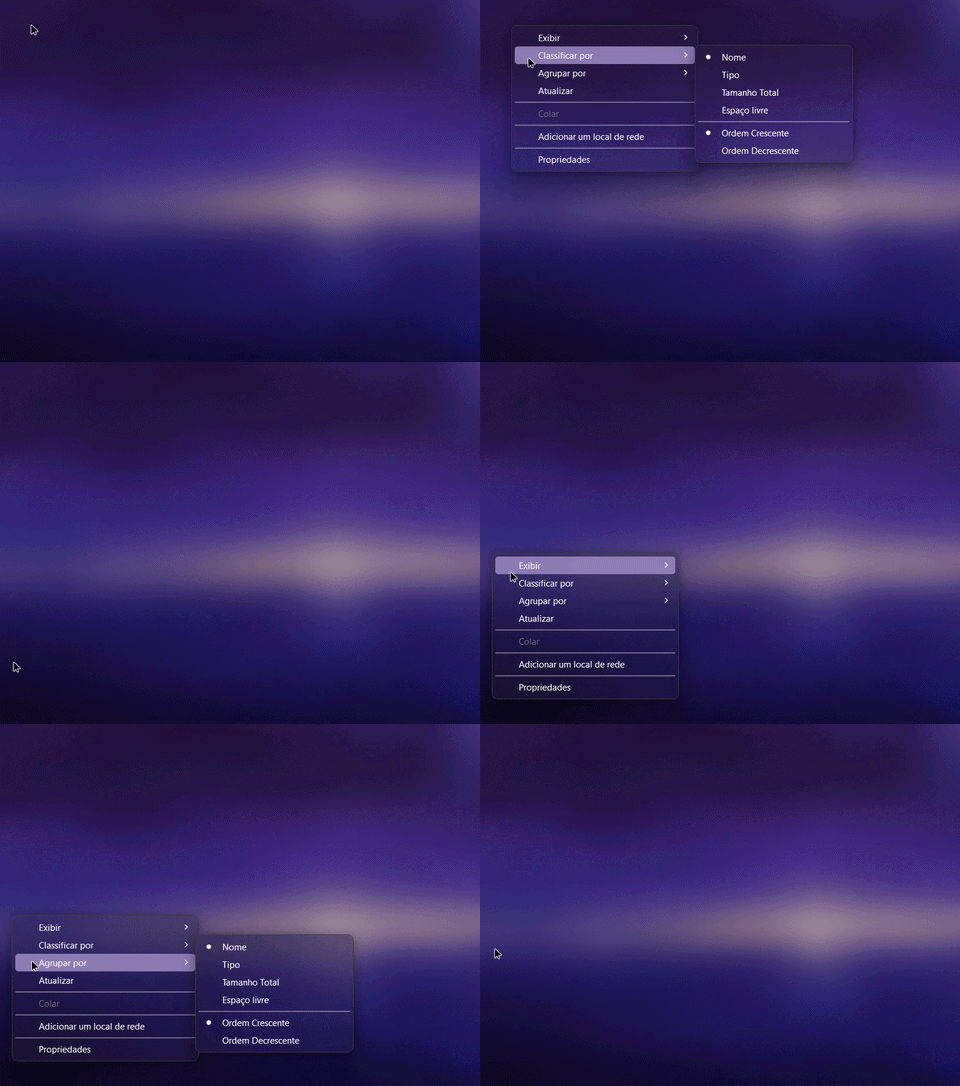
Add smooth WinUI-style vertical slide animations to classic Win32 menus.
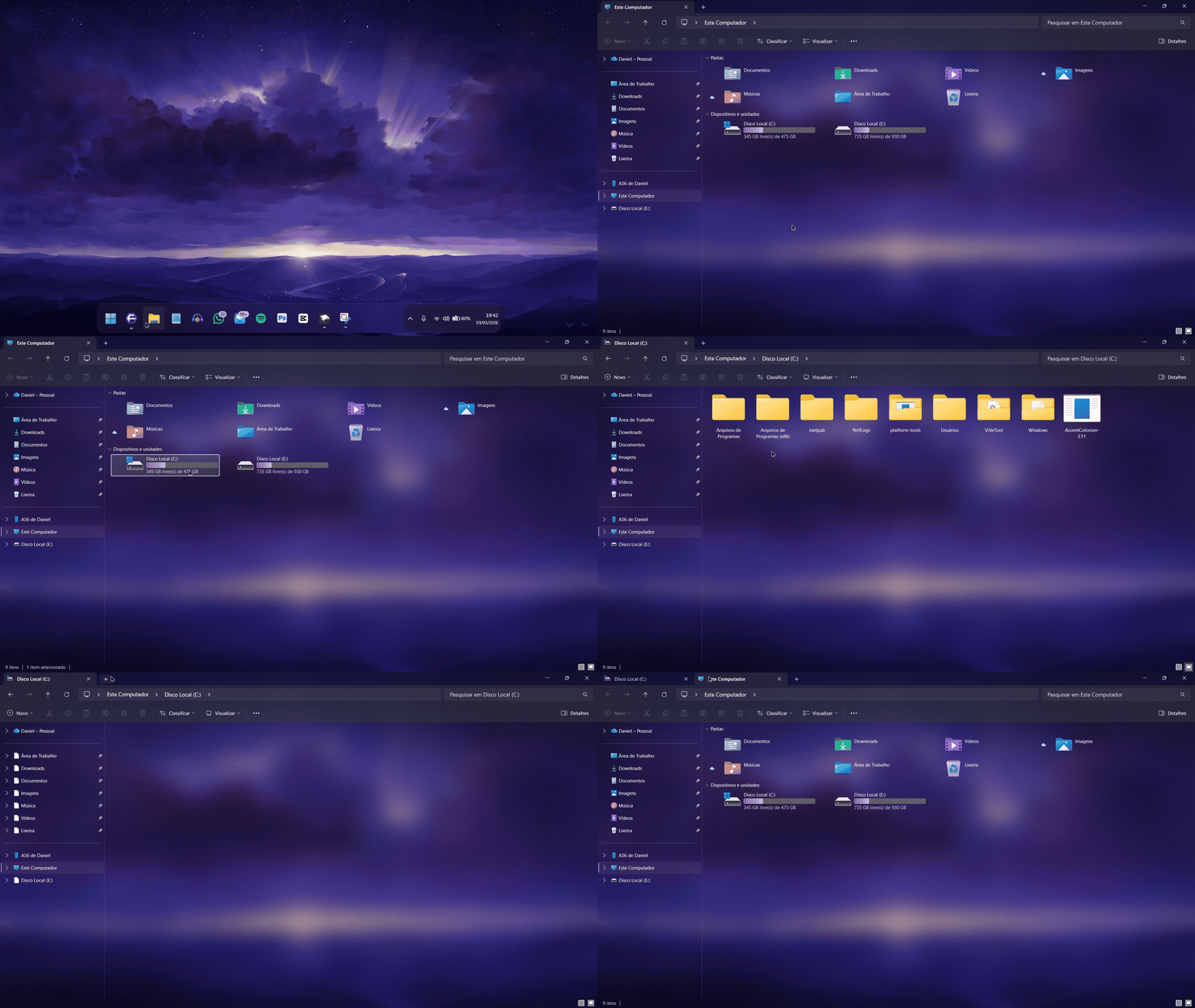
Add smooth WinUI-like page transitions to the File Explorer content area.
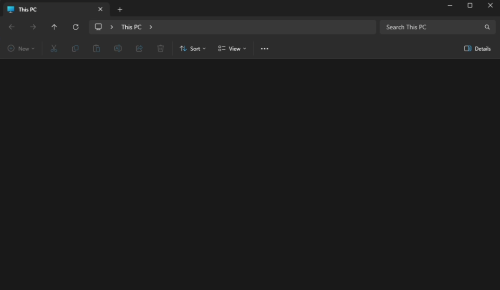
Remove the bright white flash that appears when opening dark Explorer tabs.
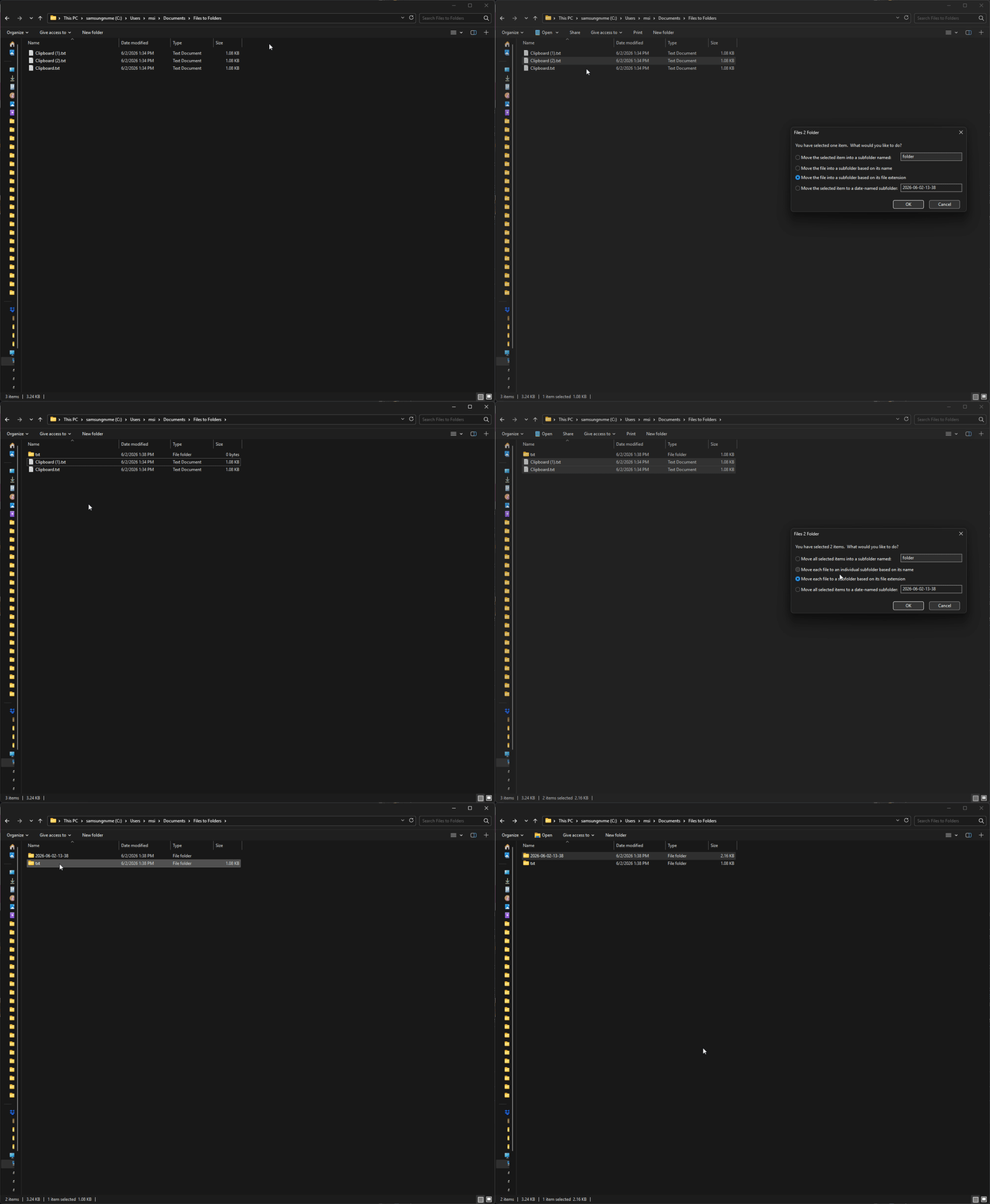
Move or copy selected files into a new folder directly from the context menu.
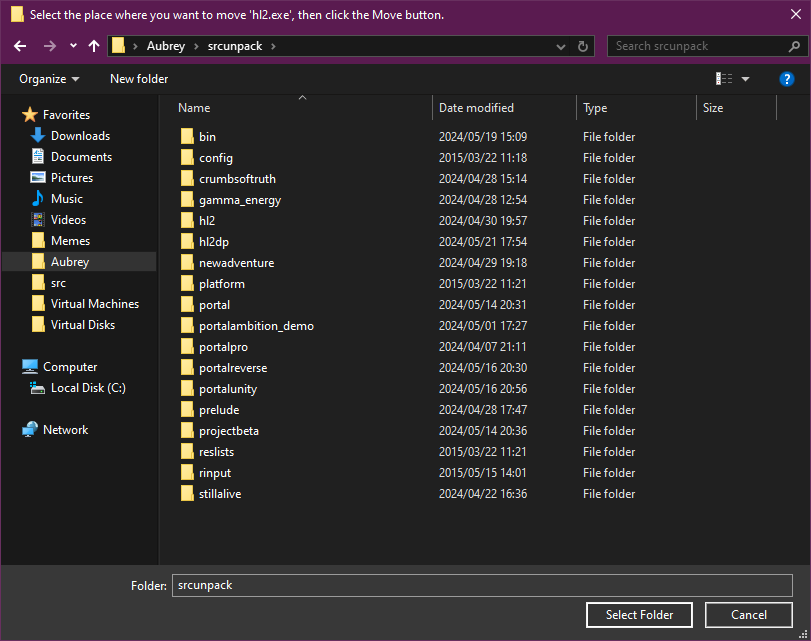
Replace the classic Browse For Folder dialog with a modern Windows picker.
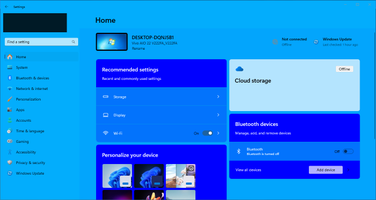
Customize the Windows Settings app with community themes or create your own.
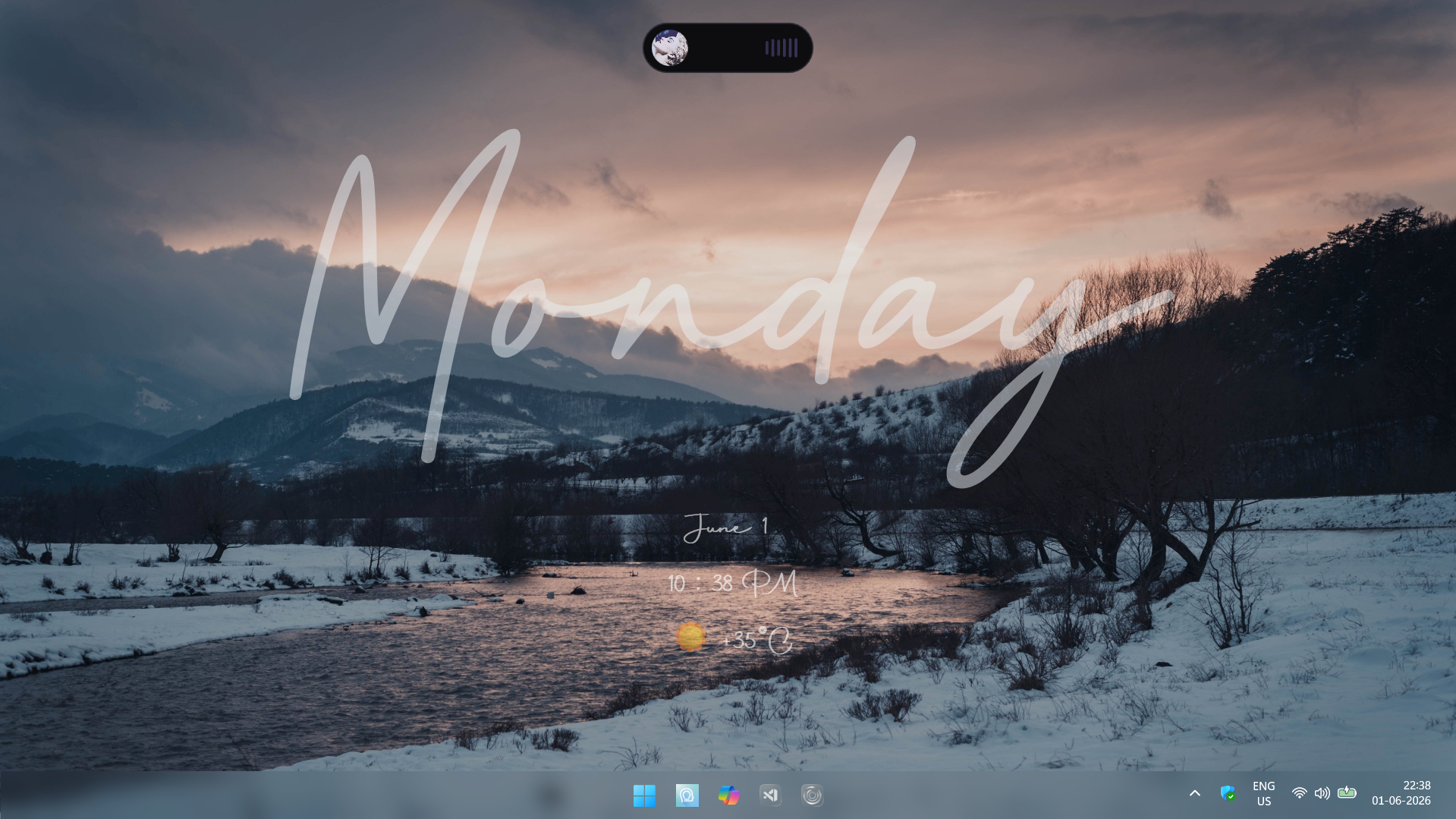
A reactive pill overlay for media, downloads, clipboard, battery and more.

Add customizable visual separators between Windows 11 taskbar buttons.
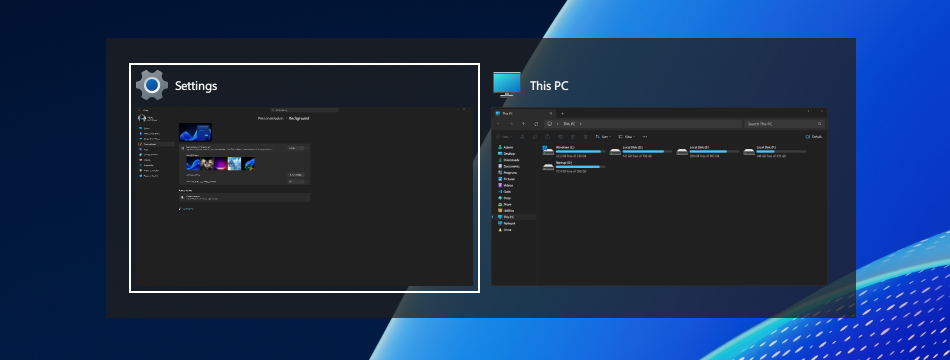
Replace the default Alt+Tab view with a fast, lightweight window switcher.
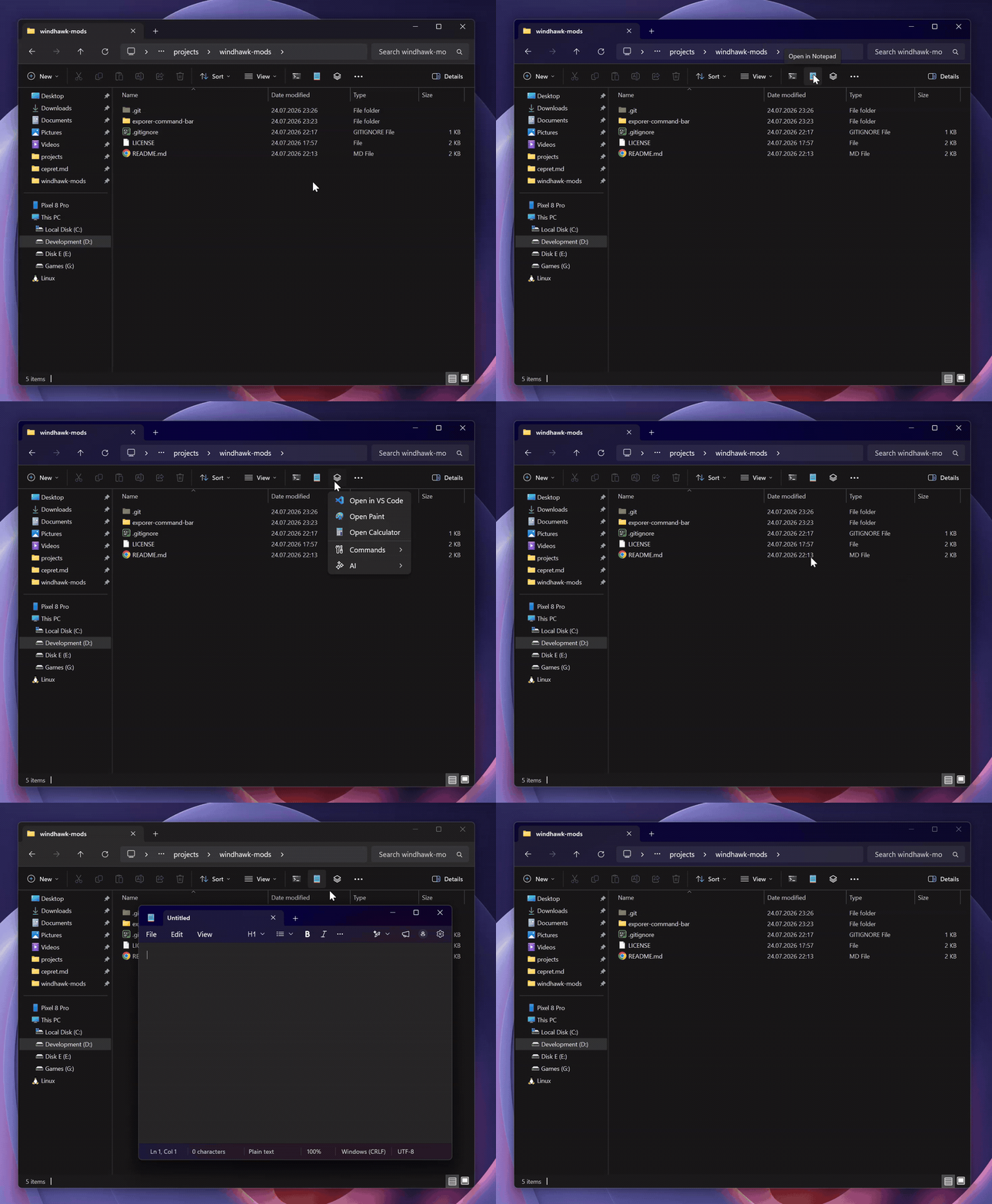
Customize Explorer's command bar with commands, menus and context tools.
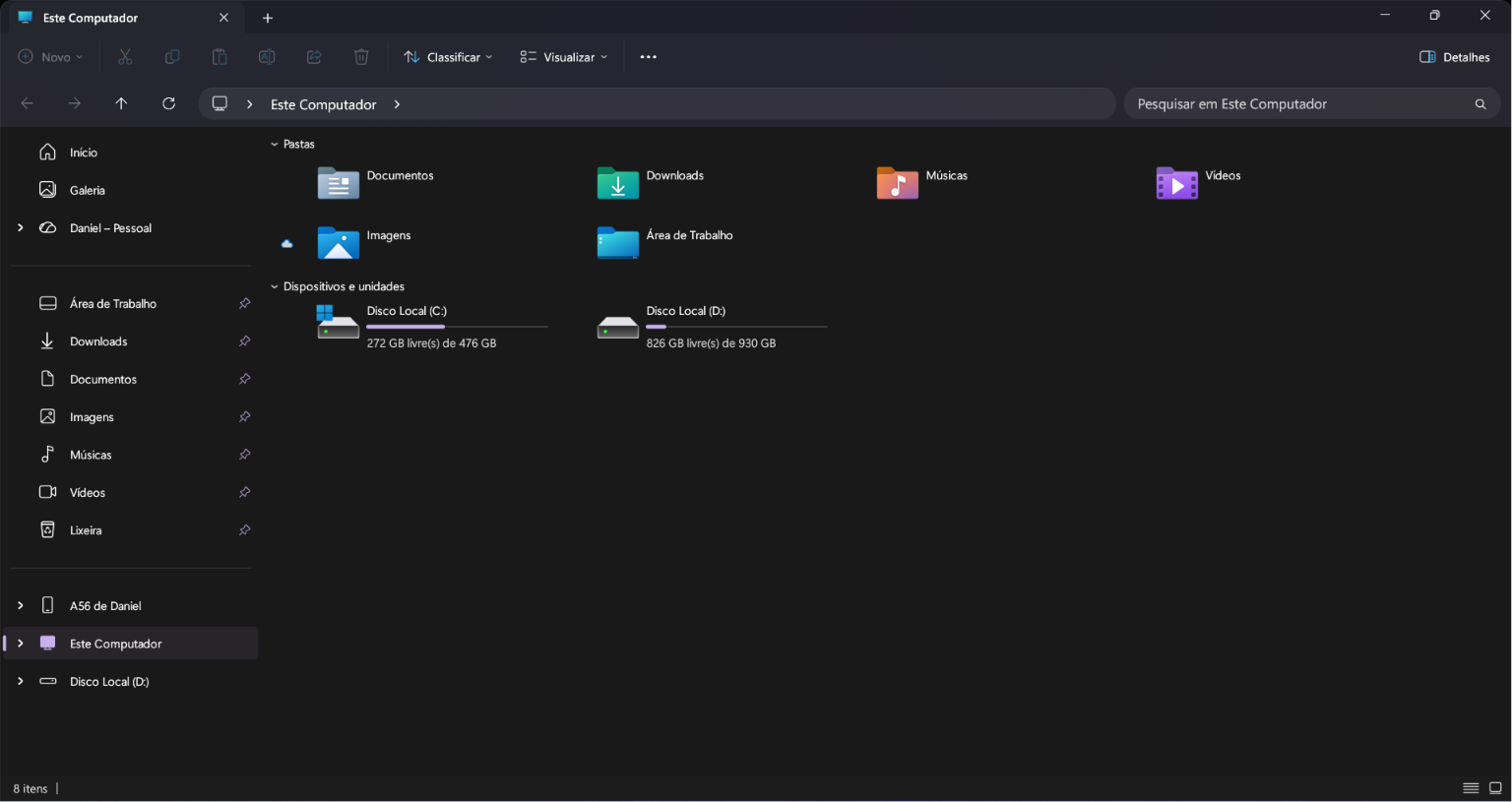
Refresh legacy Win32 interface elements with a cleaner, modern appearance.
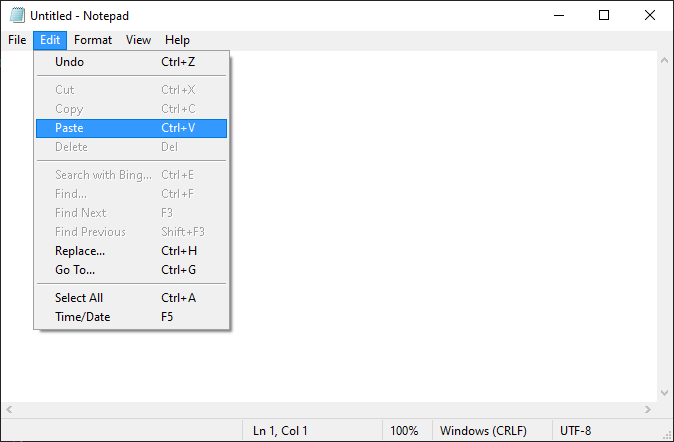
Give menus a classic Windows theme while leaving other controls untouched.
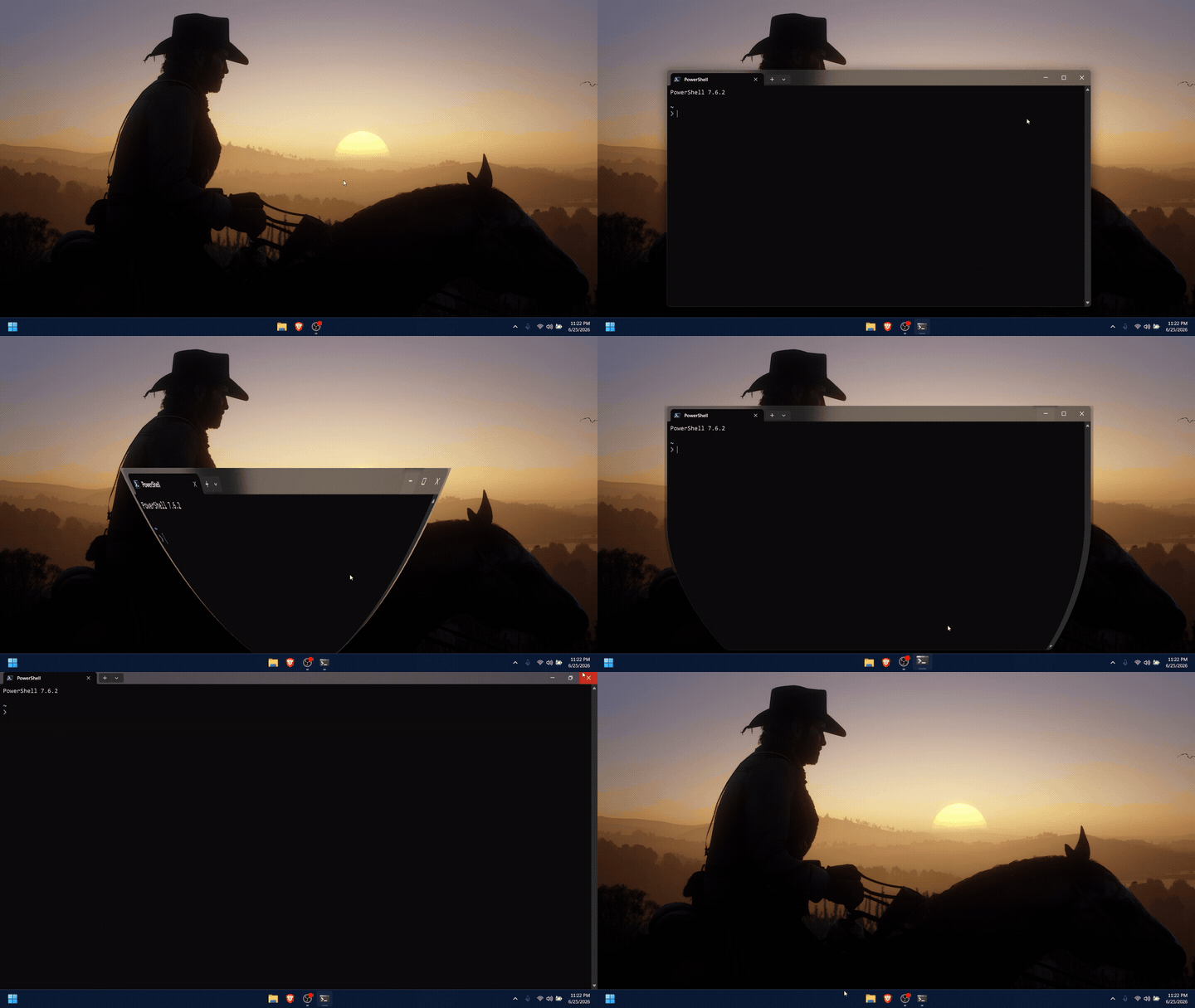
Add smooth genie-style minimize and restore animations to every window.
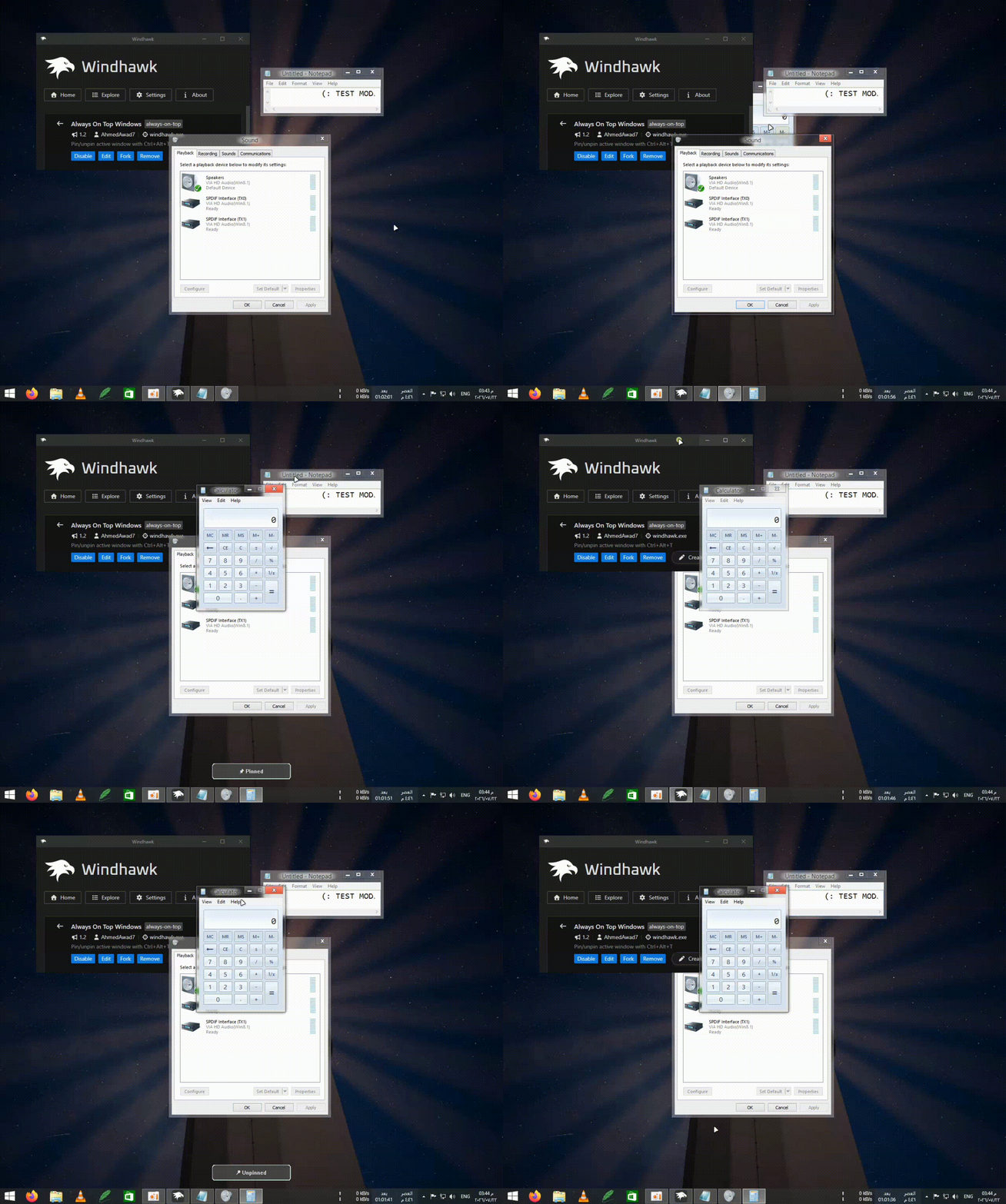
Pin or unpin the active window instantly with the Ctrl+Alt+T shortcut.
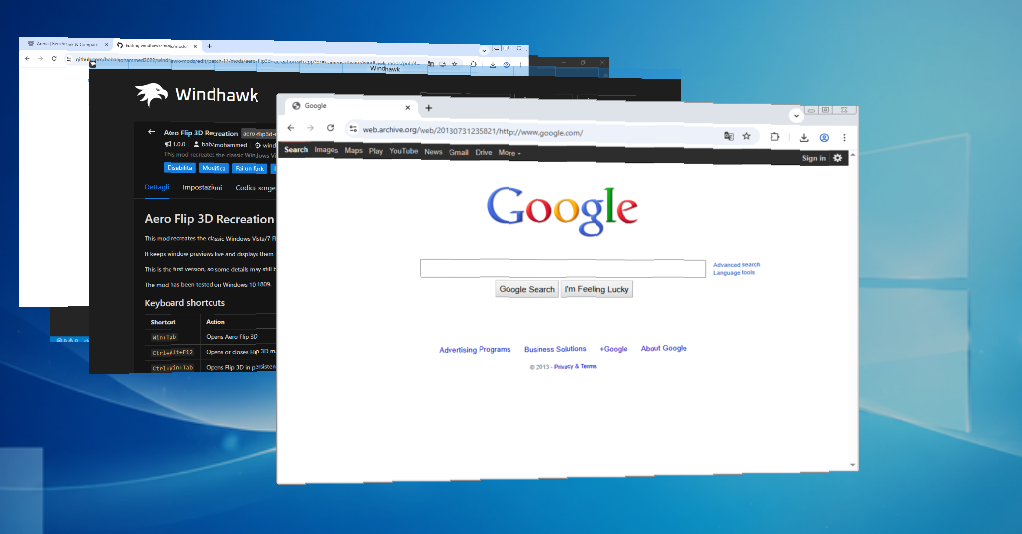
Bring the classic Windows Vista and Windows 7 Flip 3D effect to modern Windows.

Add compact taskbar buttons that open configured folders as popup menus.
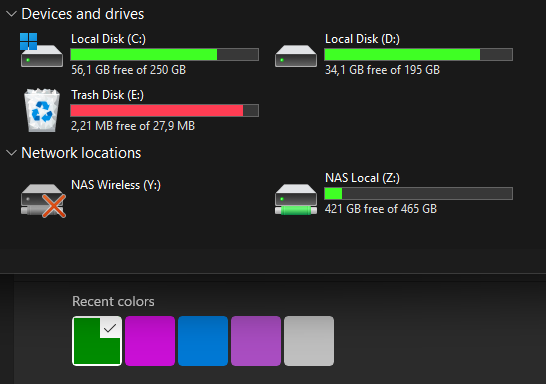
Style Explorer's disk bars with custom colors, height, borders and corners.
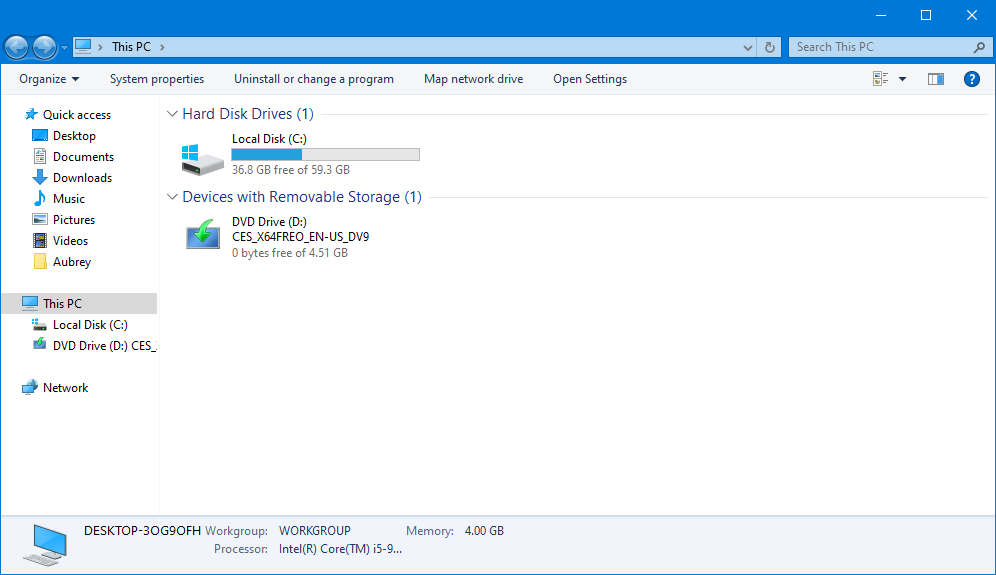
Apply classic Windows Vista, 7, 8 or 10-inspired tweaks to File Explorer.
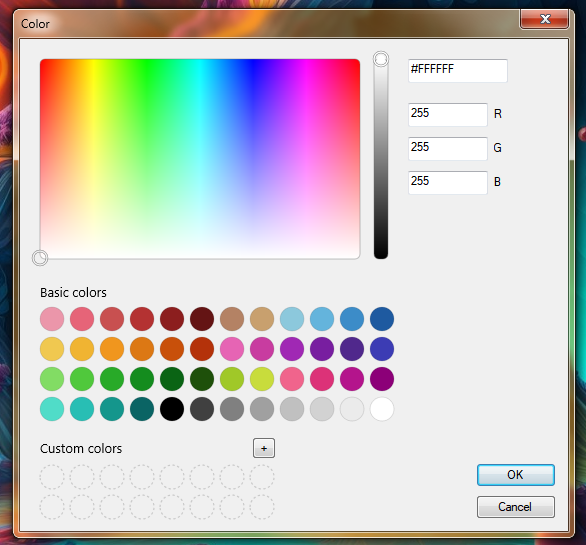
Improve classic Windows color, font and message dialog boxes.
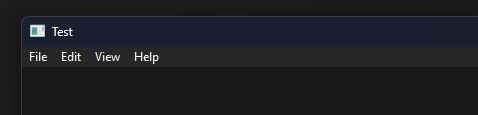
Enable a consistent dark appearance for Win32 menus and menu bars.
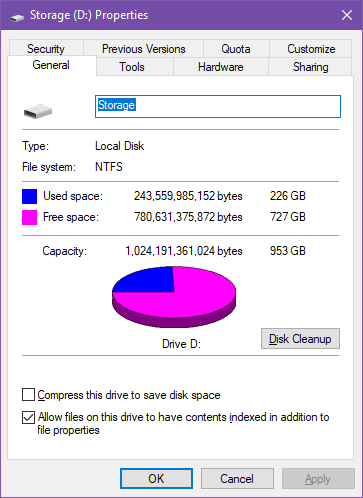
Restore the classic pie chart visualization in Windows drive properties.
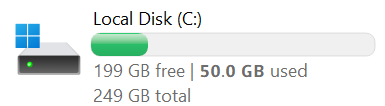
Customize Explorer drive tiles, usage bars and the details shown below them.
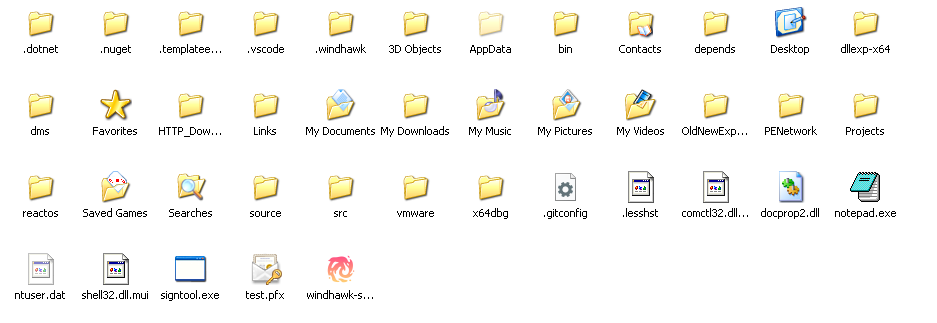
Restore true 32-pixel icons to Explorer's Medium icons view.
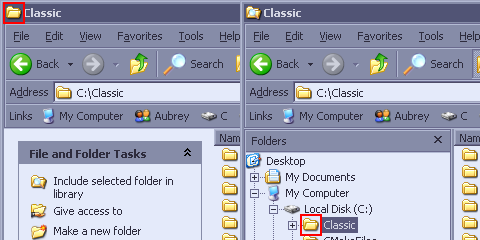
Restore the open-folder icon in Explorer's icon and navigation tree views.
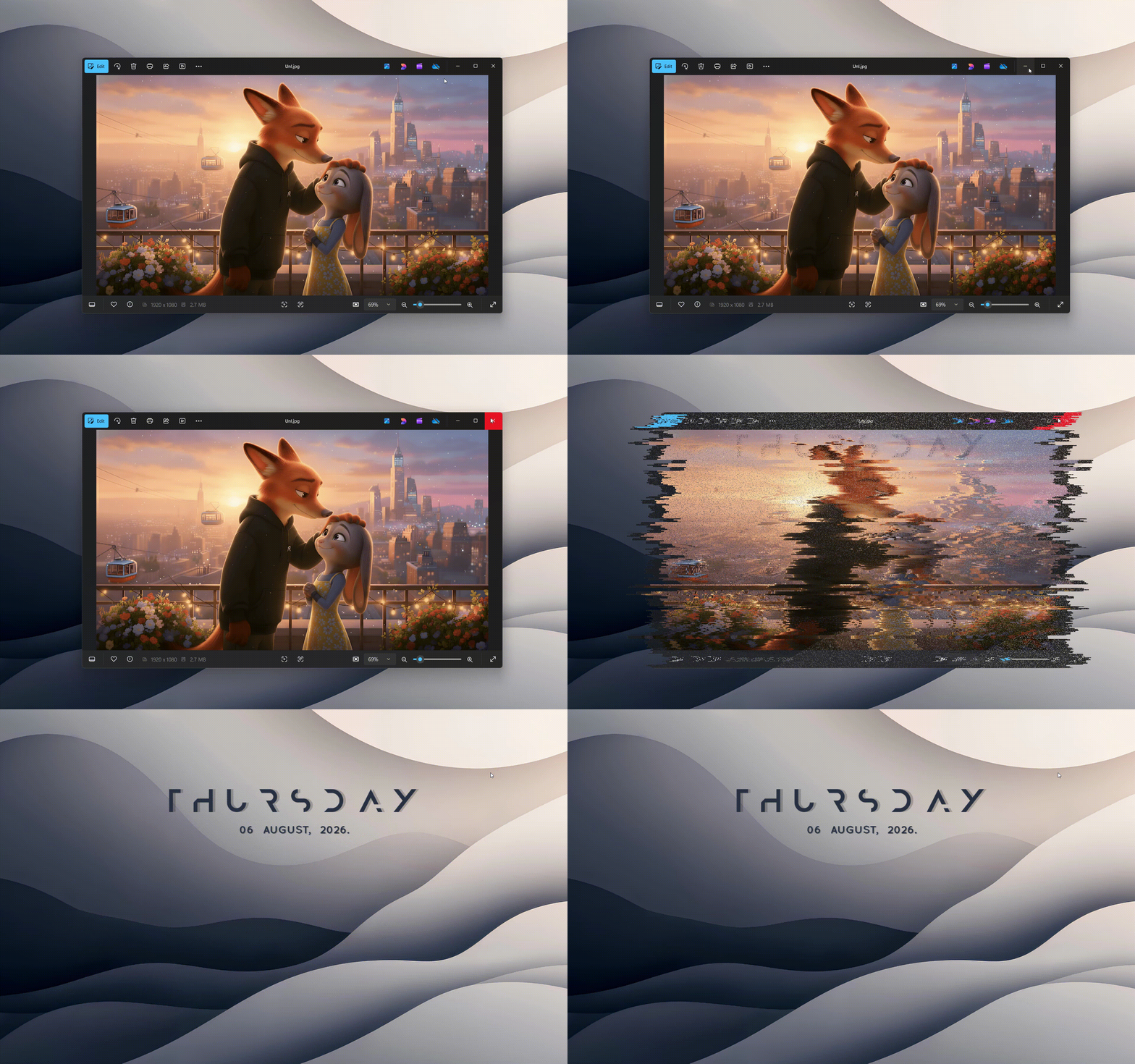
Choose smooth custom effects for minimizing, restoring, closing and switching windows.
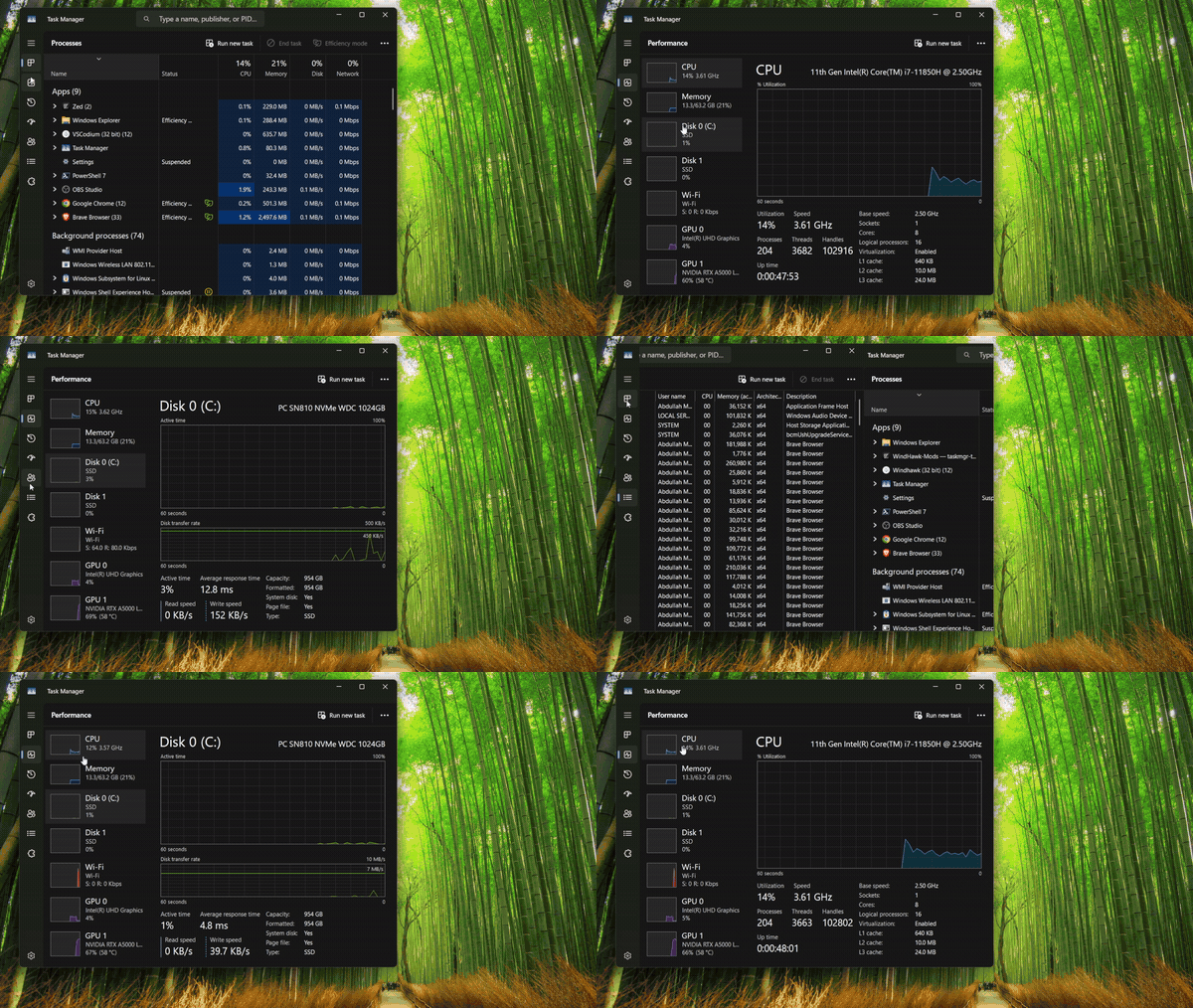
Add smooth slide or crossfade transitions when switching Task Manager tabs.
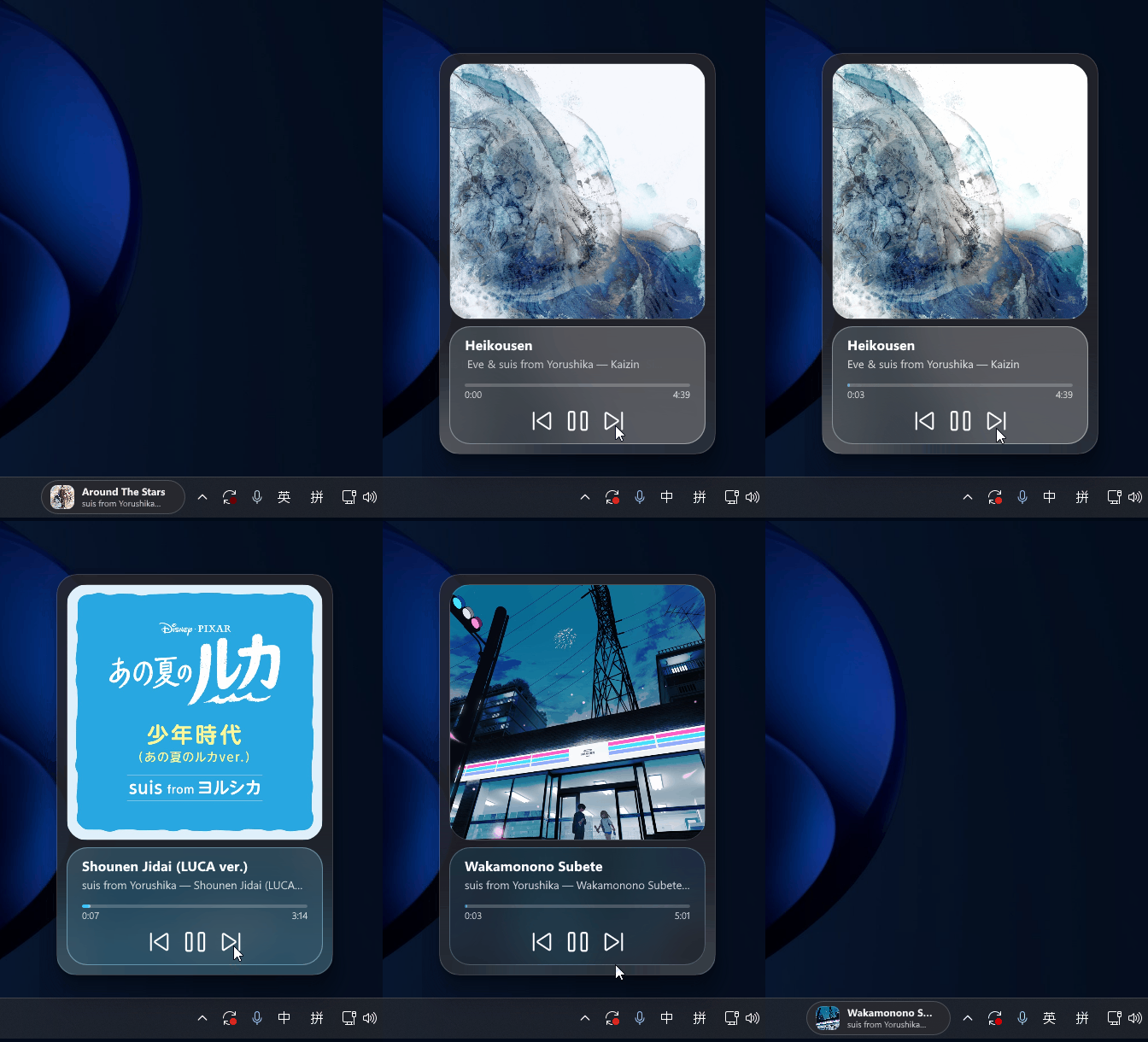
Add dynamic island-like media controls directly to the Windows 11 taskbar.

Enlarge the cursor when it is moved rapidly, just like macOS Shake to Find.
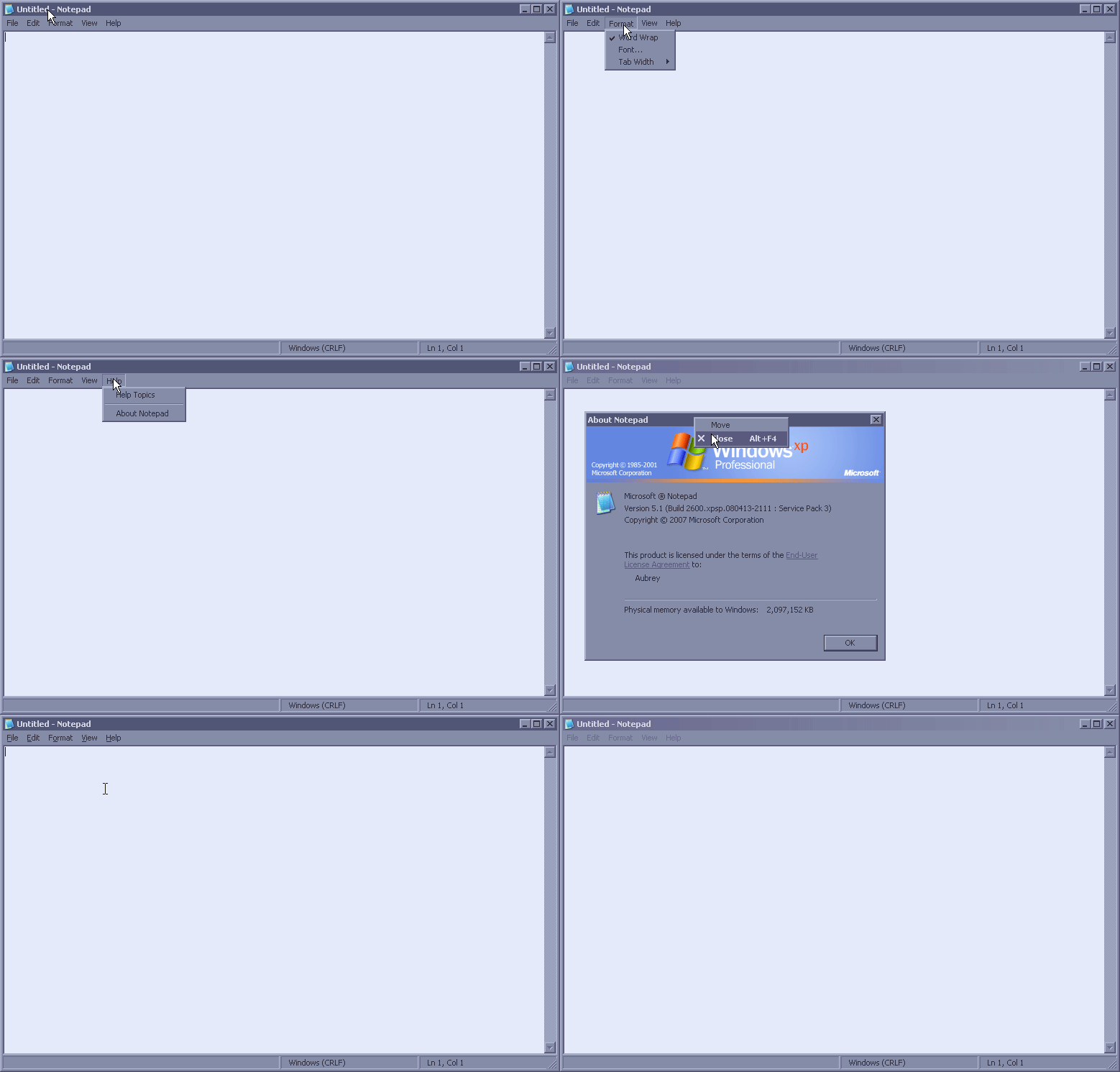
Make classic menus and tooltips slide smoothly into view.
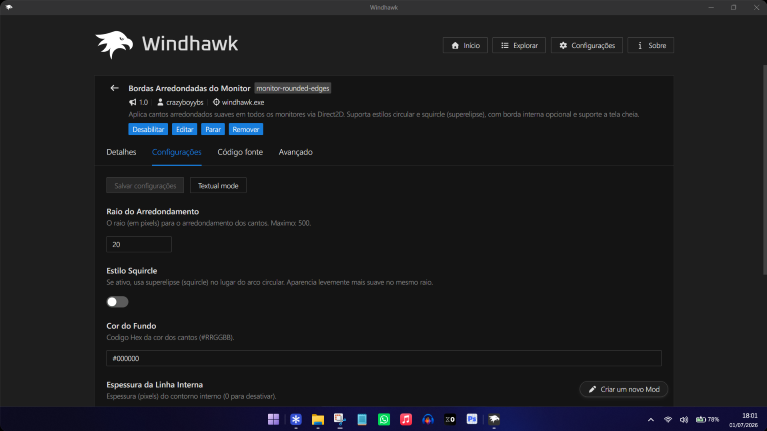
Add smooth rounded or squircle corners and an optional accent border to displays.
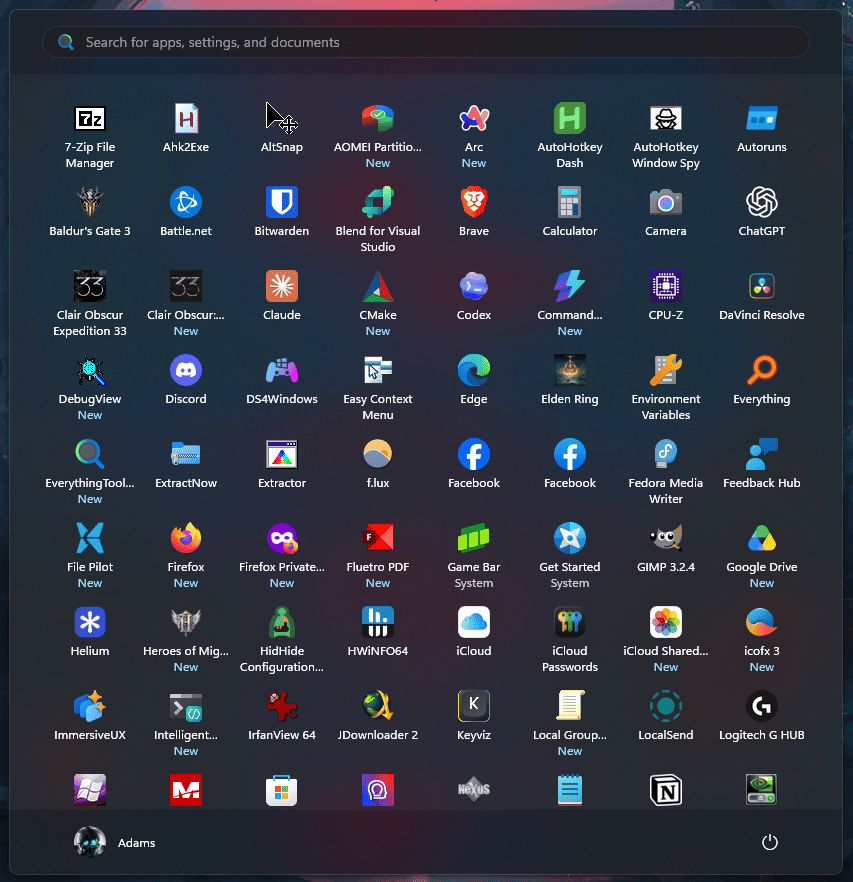
Clean up the Windows 11 Start menu with a compact, ungrouped All apps view.
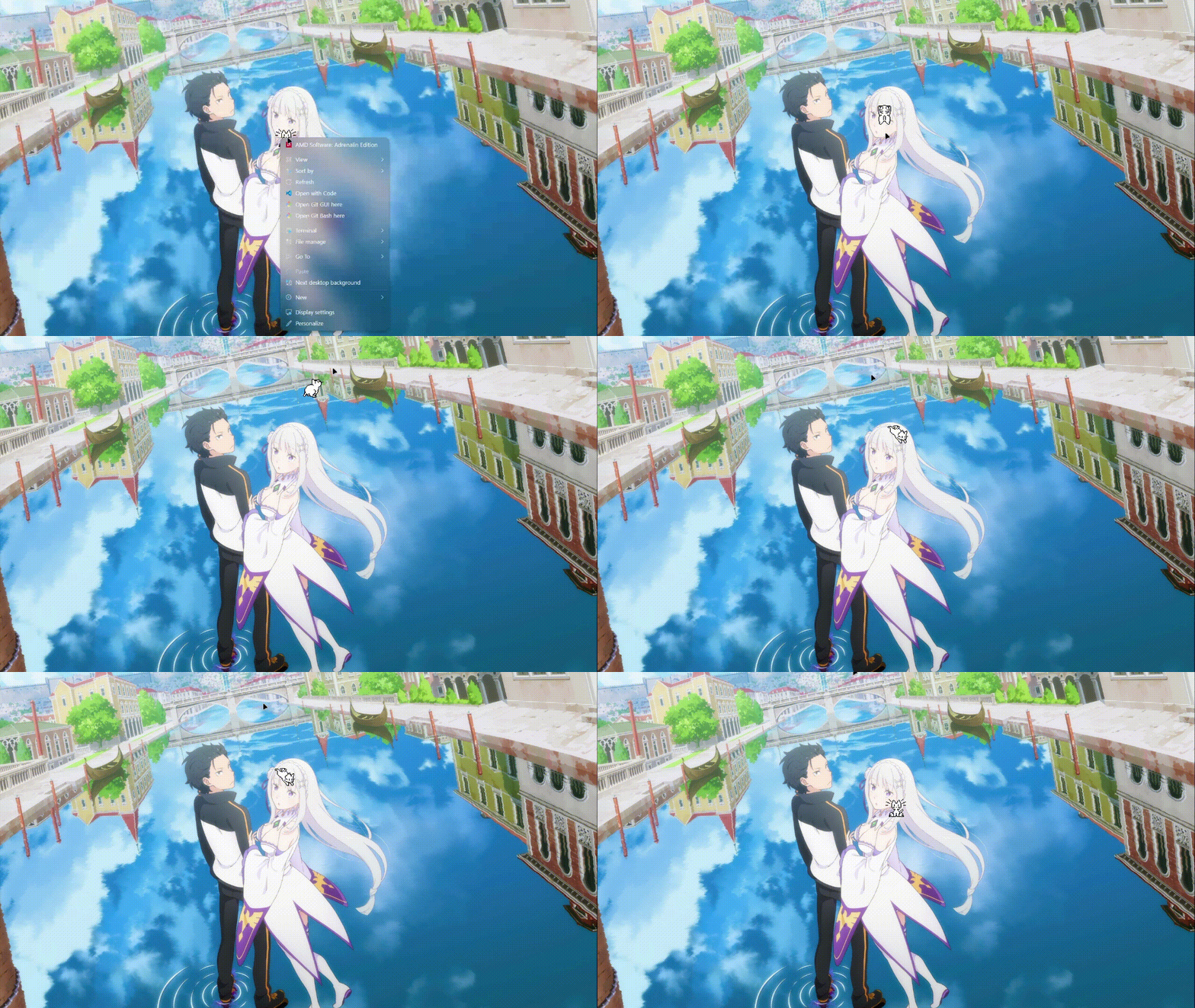
Add animated characters that follow the cursor and interact with desktop windows.
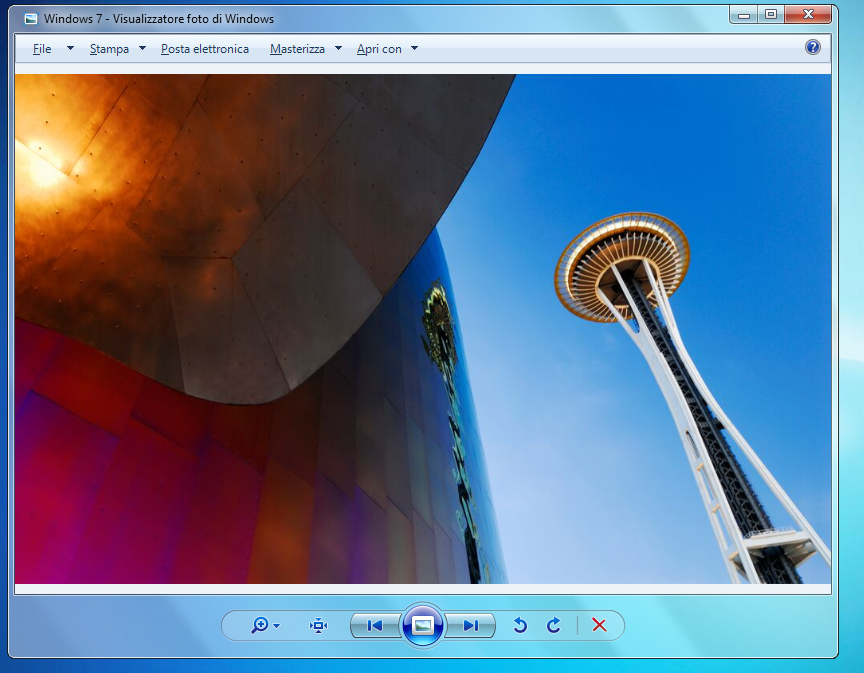
Redirect image opening to the classic Photo Viewer without Registry changes.
Every mod ships as readable source code. Inspect exactly what it changes before you install it.
No replacement desktop and no bloated shell. Run only the precise changes you choose.
Disable or remove one mod at a time. Return to stock Windows whenever you want.
Quick answers about Windhawk for Windows 11 and Windows 10, downloading mods, safety and popular customization options.
Windhawk is an open-source Windows customization platform. It installs focused mods for the Windows 11 taskbar, Start menu, File Explorer and other programs without replacing the entire desktop shell.
Yes. Windhawk supports Windows 10 and Windows 11, although compatibility can vary by individual mod and Windows build.
Windhawk and its mods are open source, so their code can be inspected before installation. Download Windhawk from the official website, review each mod and keep Windows and Windhawk updated.
Download the latest Windhawk installer directly from GitHub. The source code and release history are available in the Ramen Software repository.
Yes. Popular mods include Windows 11 Taskbar Styler, Windows 11 Start Menu Styler, taskbar animations, compact Start menus and many other focused Windows 11 tweaks.
No command line. No manual patching. No reboot after every change.
Download the installer from GitHub and launch the app.
Review its description, settings and full source code in one place.
Click install, choose your settings and see the change immediately.